What's New 2012
![]()
See what's new in the latest release for all products. More
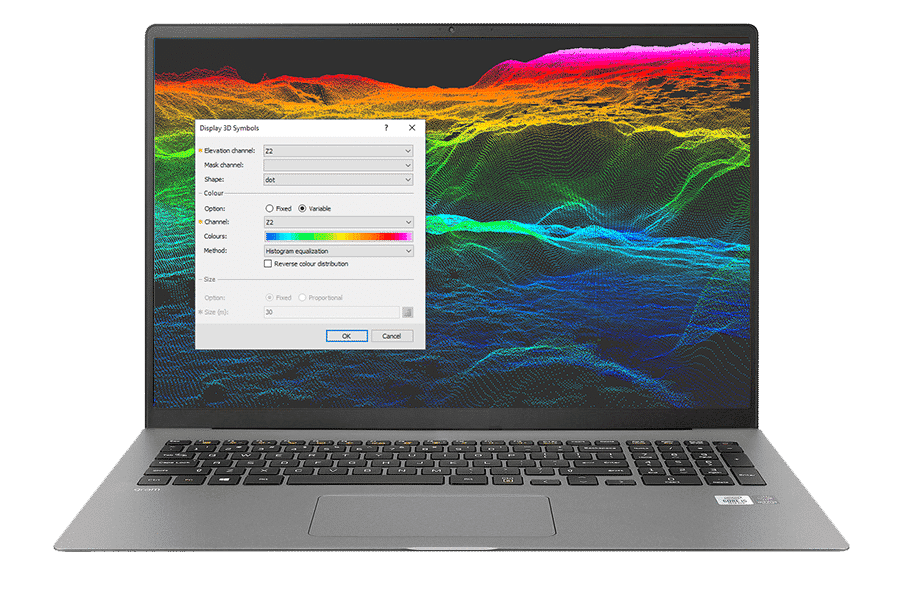
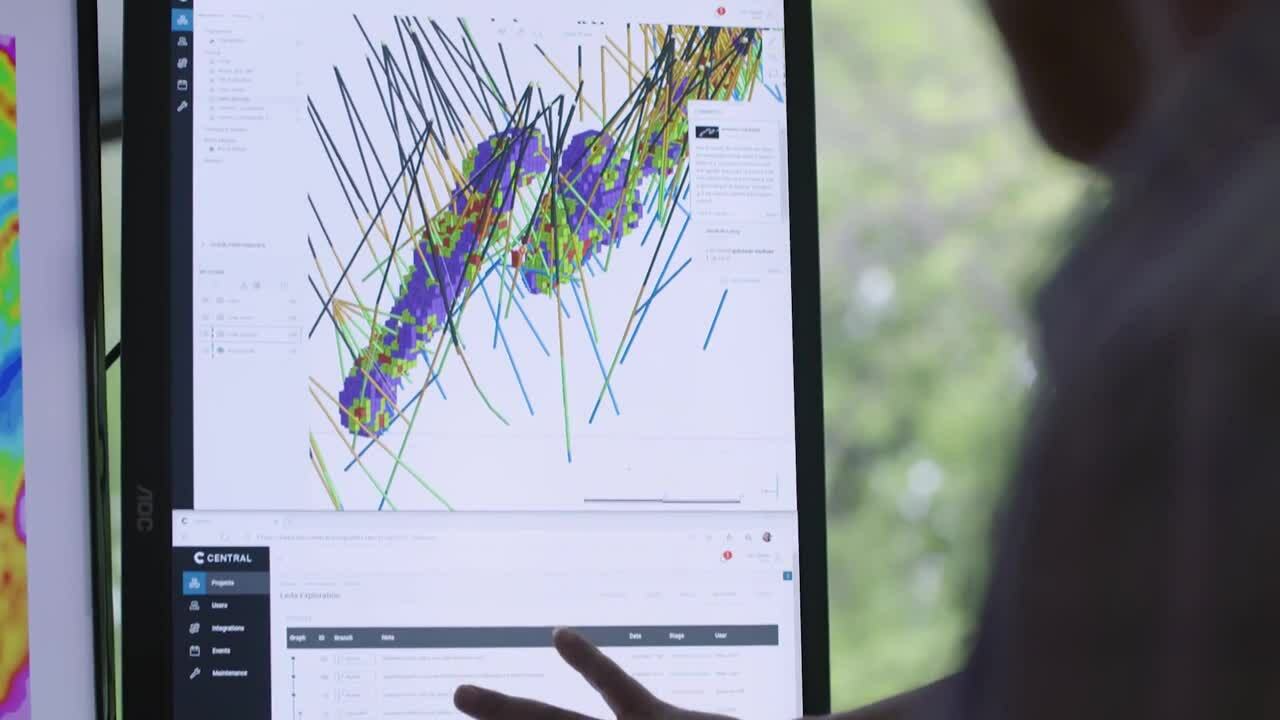
Oasis montaj is ideally suited for today's multidisciplinary and collaborative exploration. Access all your data and a powerful set of mapping and analysis tools, within one dynamic, 3D exploration environment. Process, map, QA and interpret your ground and airborne survey geophysics, geochemistry and geology.
A leading exploration technology solution, Oasis montaj provides a scalable environment for efficiently importing, viewing, modelling, analysing and sharing large volume geophysical, geochemical and geological data, all within one integrated environment. This powerful mapping and processing software is designed to support and streamline your daily problem solving needs, with a rich set of easy to use features that meet and exceed rising global standards. Oasis montaj provides a complete data experience, including data access, processing, interpretation, and decision making.
Proven Return on Investment
A proven industry standard technology, Oasis montaj achieves long-term savings in both time and money. Integrated productivity tools maximise your ability to make strategic use of large volumes of geoscience data within today's compressed project time lines.
View the Oasis montaj video to explore what it can do for you.
|
Produce Professional |
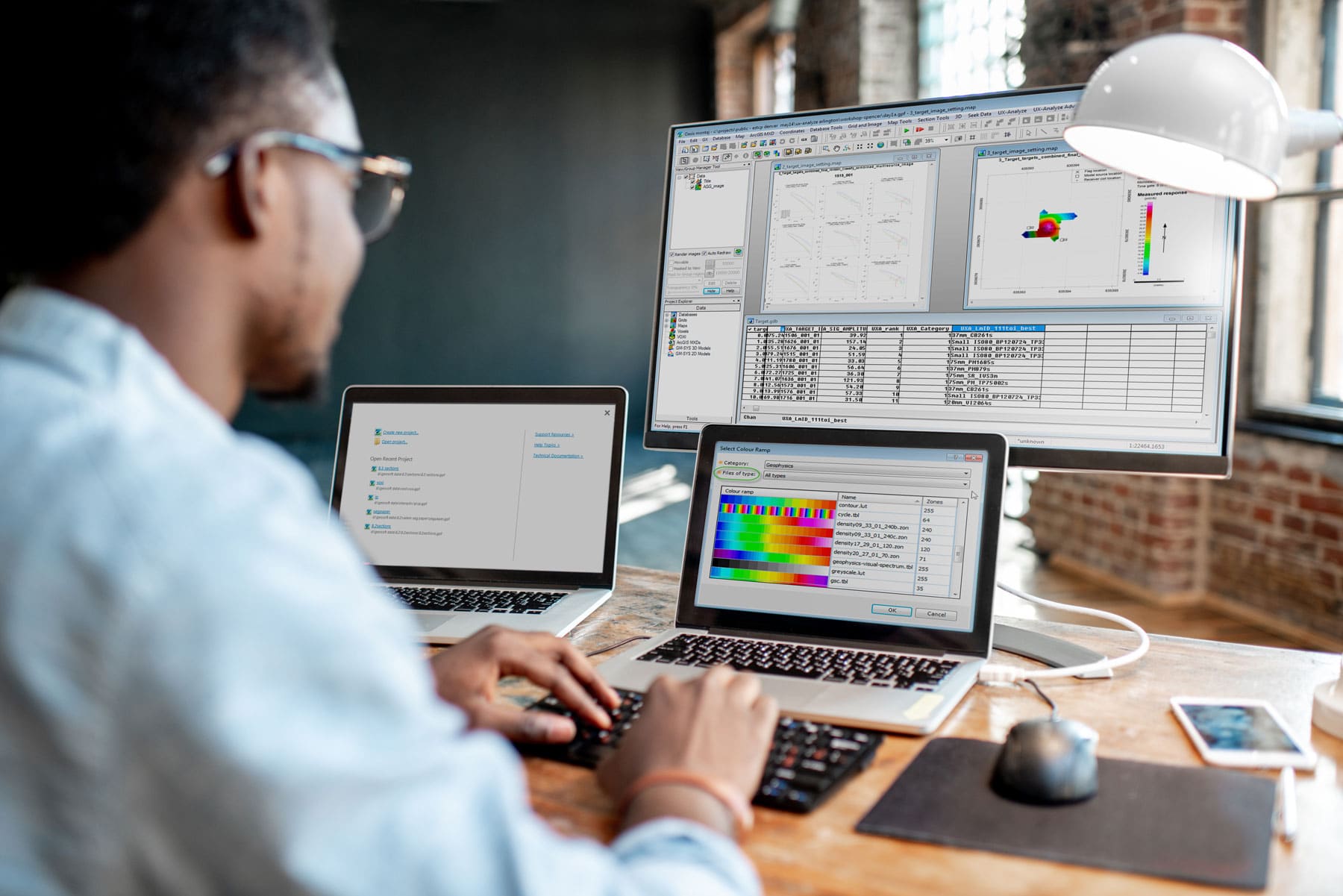
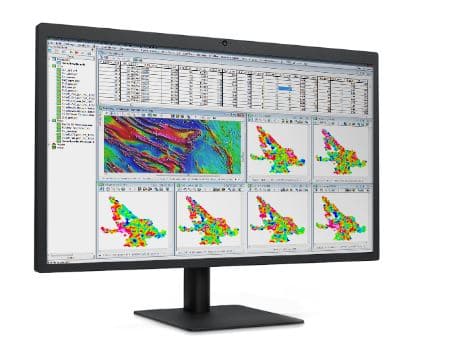
Easily create maps to share, integrate data and use in presentations to management and investors. |
|
Subsurface 3D |
The full integration of 3D capabilities simplifies viewing, manipulation and analysis of all your data including: geology, geochemistry, and geophysics data. |
|
High-Performance |
Efficient storage for very large geoscientific datasets ensuring access and usability throughout the project lifecycle. |
|
Dynamic Data |
Click on a point on a map and immediately see the exact data point within the the database, profile, graph or data view. |
|
Fast Data |
Rapidly assess and experiment with data in real-time running numerous filters and processes on data with ease. |
|
Advanced Gridding |
Gridding algorithms with Oasis montaj are fast, efficient and optimised for large-volume geoscientific data. Interpolate data to produce grids, using minimum curvature, bi-directional, trended, gradient, tinning or kriging gridding routines. |
|
Complete Esri |
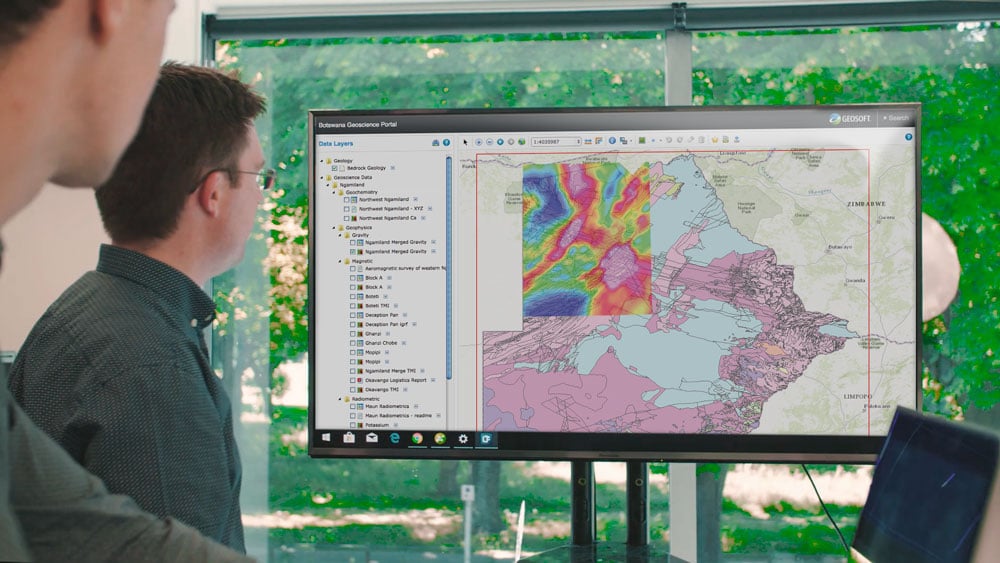
Esri technology is built in to ensure the seamless creation, viewing and sharing of ArcGIS MXD and Geosoft Map files between Geosoft and ArcGIS users. View the Esri Integration Video. |
|
Built-In Search |
Find, display and extract geospatial data from a variety of data servers for complete investigation and informed decision making. View the Geosoft Seeker Video. |
| Spatial Data Cataloguing | Geosoft Desktop Cataloger builds a catalogue of all spatial data files from local drives allowing you to easily find the data from within Geosoft environment. View the Desktop Cataloger Video. |
| Seamless Interoperability | Import and work with more than 50 supported data types and formats including CAD, GIS, mine planning and modelling formats. |
| Unicode Multi-language Support | Display foreign-language character sets within your application environments and print to maps. |
|
montaj Extensions |
Over 20 extensions are available for advanced geophysics and geochemistry data processing, analysis and quality control, 3D drillhole plotting, filtering, levelling, interpretation and modelling. |
|
Data Sharing |
Plug-ins and data conversion options provide superior connectivity between Oasis montaj mapping and GIS or specialized modelling applications. See free software downloads available for Oasis montaj. |
|
Operating System |
Windows 7 SP1 (32-bit and 64-bit) - Recommended. |
| CPU | A Dual Core processor is recommended. An Intel Celeron processor is not recommended. |
| RAM | 4-8 GB recommended, 1 GB minimum required. |
| Graphics | Nvidia Professional 256MB 3D (OpenGL 2.0) Graphics Card recommended. |
| Printer/Plotters | Any Windows® supported colour printer. Hewlett Packard® large-format ink-jet plotters are recommended. |
| Installation Permissions | When installing Oasis montaj or Target, you MUST be logged on with Administrator permissions. |
| Installation Disk Space | 2 GB or more of free space on the Program Files drive is required for the installation process. |
| Data Disk Space | Data disk space depends on the volume of project data to be processed and the printer driver you are using. We recommend 500 GB to 1 TB, minimum 50 GB. |
| Internet |
Internet Connection: To use VOXI, we recommend a medium to high-speed internet connection (512Kbps upload and 1Mbps download or higher). The faster your internet connection, the faster you will be able to upload your modelling information to the VOXI cloud servers and download your results. Internet Browser: To use the internet capabilities in Oasis montaj or Target, you will need to install Internet Explorer 7.0 or later. This does not mean that you have to have Internet Explorer as your default browser; Oasis montaj and Target just use the internet connection technology supplied in IE7. |
|
Supporting Software |
The following software prerequisites are required and will be downloaded and installed if not present: • Microsoft .NET 4 • ESRI ArcEngine 10 (SP1) |
| Language Support | East Asian Language Pack (for simplified Chinese character display) |
For information on requirements for previous versions and operating systems, see the system requirements page